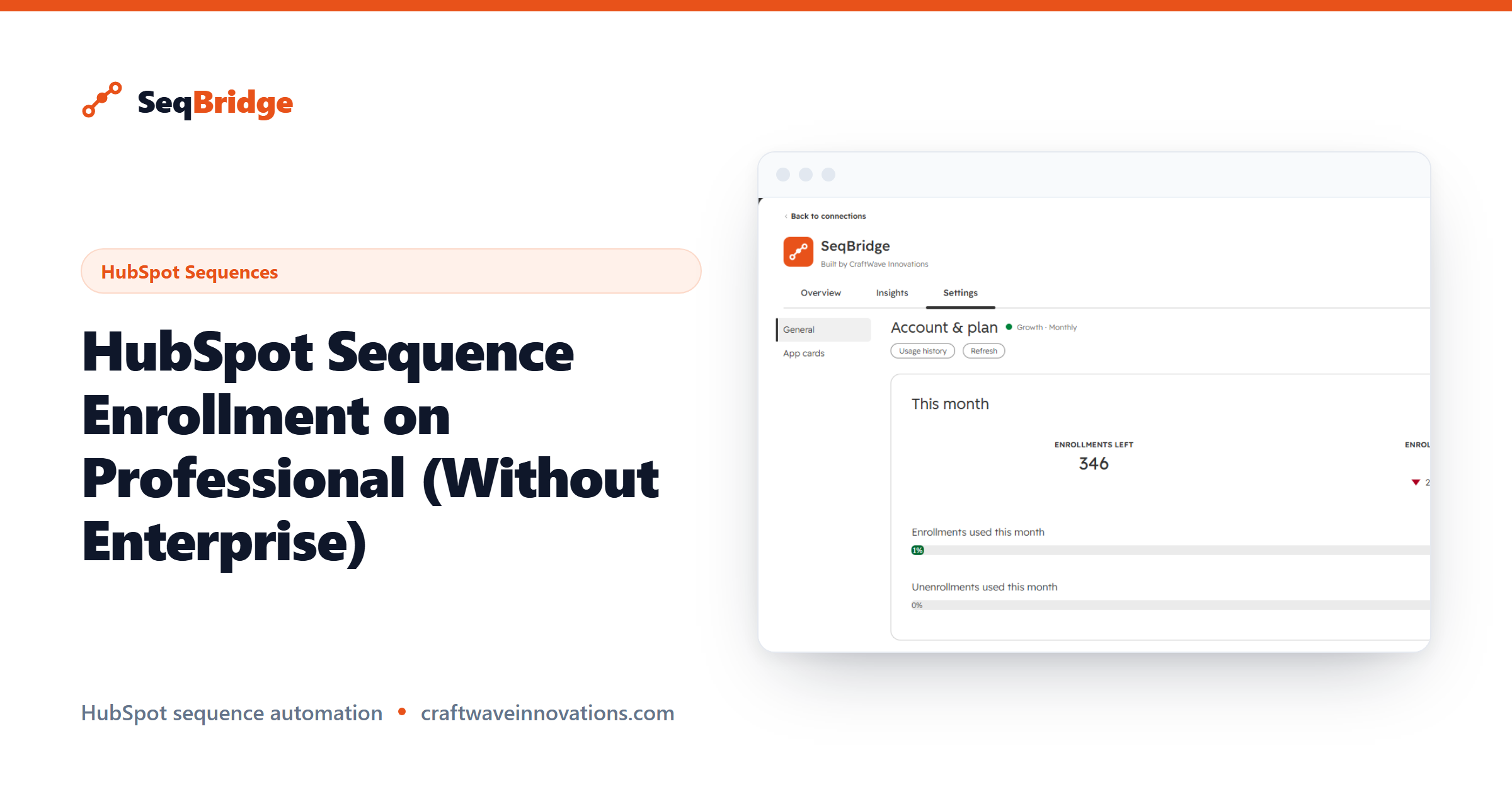
If you are comparing your options, HubSpot sequence enrollment on Professional comes down to one narrow but expensive question: what can you automate on your current tier, and what forces an upgrade? This guide breaks down exactly what Sales Hub Professional includes, the single action HubSpot reserves for Enterprise, and how SeqBridge closes that gap in minutes.
SeqBridge is an approved HubSpot Marketplace app built by CraftWave Innovations. It is not affiliated with or endorsed by HubSpot, Inc.
What HubSpot sequence enrollment on Professional includes natively
A quick definition first. In HubSpot, sequences are 1:1 personalised sales outreach in Sales Hub. They send from a user's connected personal inbox, stop automatically when a contact replies, and are subject to daily send and active-enrollment limits.
On Professional, your reps can do most of what sequences are for. They can build and edit sequences, enroll contacts manually from a contact record or from within Gmail or Outlook, personalise each step, and let the sequence pause itself the moment a prospect replies. For a rep working a focused list, that is a complete workflow.
So native HubSpot sequence enrollment on Professional is real and useful. The limit is not in the sequences themselves. It is in how contacts get into them.
The one thing reserved for Enterprise
The single capability Professional does not include is the automated handoff: the native workflow action that enrolls a contact into a sequence when a trigger fires. That action requires Sales Hub Enterprise.
In practice this means a Professional rep has to remember to enroll each contact by hand. There is no way, natively, to say "when a lead fills in this form, start them in this sequence" and have it happen without a person clicking. For a high-volume team, that manual step is where leads go cold. We break down the full tier differences in our Professional vs Enterprise guide.
If automated enrollment is the one feature pulling you toward Enterprise, it is worth asking whether you need the whole tier to get it.
How SeqBridge adds automated enrollment on Professional
SeqBridge adds the workflow actions that Professional lacks. Instead of upgrading, you install the app and get three new actions you can drop into any HubSpot workflow:
- Enroll in sequence — enroll a contact into a sequence from a workflow.
- Enroll associated contacts — enroll the contacts associated with a company or deal.
- Unenroll from sequence — remove a contact from a sequence from a workflow, which HubSpot has no native way to do automatically.
You choose the sequence and the sending user when you configure the action, exactly as you would expect. SeqBridge connects securely via OAuth, shows enrollment status on the contact record, and surfaces any failures with plain-English reasons. It never touches your email content, so your sequences stay entirely yours.
The result is that your existing Professional workflows gain the one action they were missing. A form fill, a list membership change, or a deal stage move can now start a sequence automatically.
What it costs vs an Enterprise upgrade
This is where the commercial case gets clear. Upgrading from Professional to Enterprise is a large, per-seat jump that unlocks a broad set of features. If automated sequence enrollment is the main one you actually need, you are paying for the whole package to use a slice of it.
SeqBridge is scoped to the enrollment problem, so it costs a fraction of that upgrade. There is a free plan with 60 enrollments per month and every workflow action included, which is enough to run a real workflow and prove the value before you spend anything. Paid plans add higher monthly volume as you grow. For current plans and limits, see the pricing page rather than any number quoted here, since those are the figures that stay up to date.
The honest framing is this: if you need the full Enterprise feature set, buy Enterprise. If you mainly need automated sequence enrollment on Professional, a targeted app is the cheaper path.
Setup in under 10 minutes
Getting live is quick because you are adding an action, not rebuilding anything.
- Install SeqBridge from the HubSpot Marketplace and approve the OAuth connection.
- Open an existing workflow or create a new contact-based one.
- Add the SeqBridge Enroll in sequence action and pick your sequence and sending user.
- Turn the workflow on and watch enrollment status appear on contact records as triggers fire.
You can read HubSpot's own overview of how sequences behave in its sequences knowledge base, then see our step-by-step version on the SeqBridge home page. Most teams are enrolling contacts automatically the same afternoon they install.