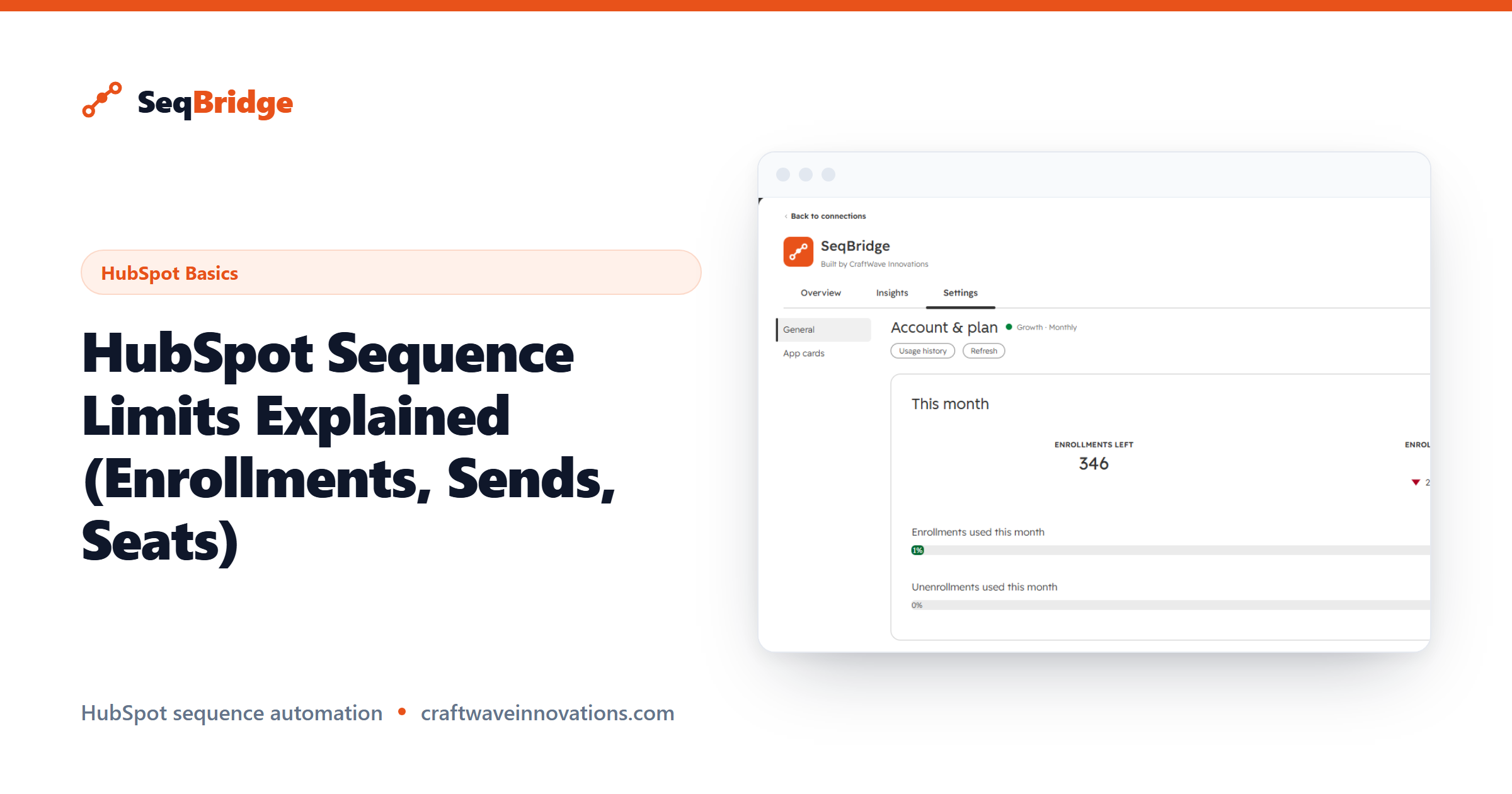
Understanding HubSpot sequence limits matters before you scale outreach, because hitting an invisible ceiling mid-campaign is a painful way to find it. This guide puts every limit in one place: daily send caps, active-enrollment limits, seat and tier requirements, and connected-inbox rules.
This guide explains the kinds of limits HubSpot applies, how seats and tiers factor in, and how to work within them at scale. One important note up front: HubSpot's exact numbers change over time, so we describe the limits generally and point you to HubSpot's own documentation for the current figures.
HubSpot sequence limits: daily email send caps
Because sequence emails send from a user's personal connected inbox, they count against a daily send limit tied to that user. The limit exists to keep your sending in line with what a real person's mailbox would plausibly send, which is what keeps messages out of spam folders.
HubSpot enforces this daily send cap per user, and the exact number depends on your setup and current HubSpot policy. We will not quote a figure here because it changes; HubSpot's knowledge base is the authoritative source for the live limit.
The practical takeaway: if you enroll a large batch at once, HubSpot meters the actual sending across days rather than blasting everything immediately. Plan your enrollment pace with that metering in mind.
Active enrollment limits per user
Alongside the daily send cap, HubSpot limits how many active sequence enrollments a single user can hold at one time. An "active" enrollment is a contact currently moving through a sequence who has not yet finished, replied, or been unenrolled.
This matters most for teams that automate enrollment, because automated workflows can fill a rep's active slots faster than manual work ever would. If you approach the ceiling, new enrollments can be blocked until some of the current ones complete or drop off.
Keeping enrollments flowing — letting completed and replied contacts exit so new ones can enter — is the key to not running into this wall. Unenrolling contacts who no longer belong in a sequence frees active slots, which is one reason an unenroll action is so useful.
Seat and tier requirements
Sequences require a paid Sales Hub seat. Every user who sends sequences needs one, so the number of sending reps drives part of your cost. The send and active-enrollment limits above apply per user, so more seated users means more total sending capacity across the team.
Sequences as a feature are available on Sales Hub Professional and Enterprise. What differs by tier is not whether sequences work, but how much you can automate around them — the native workflow action that enrolls contacts automatically is Enterprise-only. For how capacity and automation map to each plan, check the pricing page for current details rather than a figure that may have shifted.
Connected inbox and sending-as rules
Sequences send from a user's own connected inbox, which has real consequences for limits and deliverability. The sending identity is the rep, not a generic marketing address, so each rep's inbox health and connection status affect whether sends succeed.
A few rules follow from this:
- The sending user must have a connected personal inbox for their sequences to send.
- Sends count against that specific user's daily limit, not a shared pool.
- Deliverability depends on that inbox's reputation, so warming up and sensible volumes matter.
- Sequences stop automatically when a contact replies, which protects both the relationship and your limits by freeing active slots.
When you automate enrollment, you still choose which user sends. Picking the right sending user — and spreading load across reps rather than overloading one inbox — keeps you within per-user limits.
How to work within the limits at scale
Scaling outreach is less about raising limits and more about managing flow intelligently. A few practices go a long way.
First, pace your enrollments instead of enrolling everyone at once, so you stay under daily send caps and let active slots turn over naturally. Second, unenroll contacts who have gone cold, booked a meeting, or no longer fit, which frees active-enrollment capacity for new prospects.
Third, distribute sending across your seated users rather than concentrating it on one inbox. This is where automation helps: with the right workflow actions you can route enrollments to the appropriate rep automatically.
SeqBridge, an approved HubSpot Marketplace app from CraftWave Innovations (not affiliated with or endorsed by HubSpot, Inc.), adds exactly these controls to Professional — enroll in sequence, enroll associated contacts, and unenroll from sequence — and shows enrollment status and plain-English failure reasons on the contact record, which makes staying within limits far easier to manage. See the documentation and FAQ for how it fits your workflow.