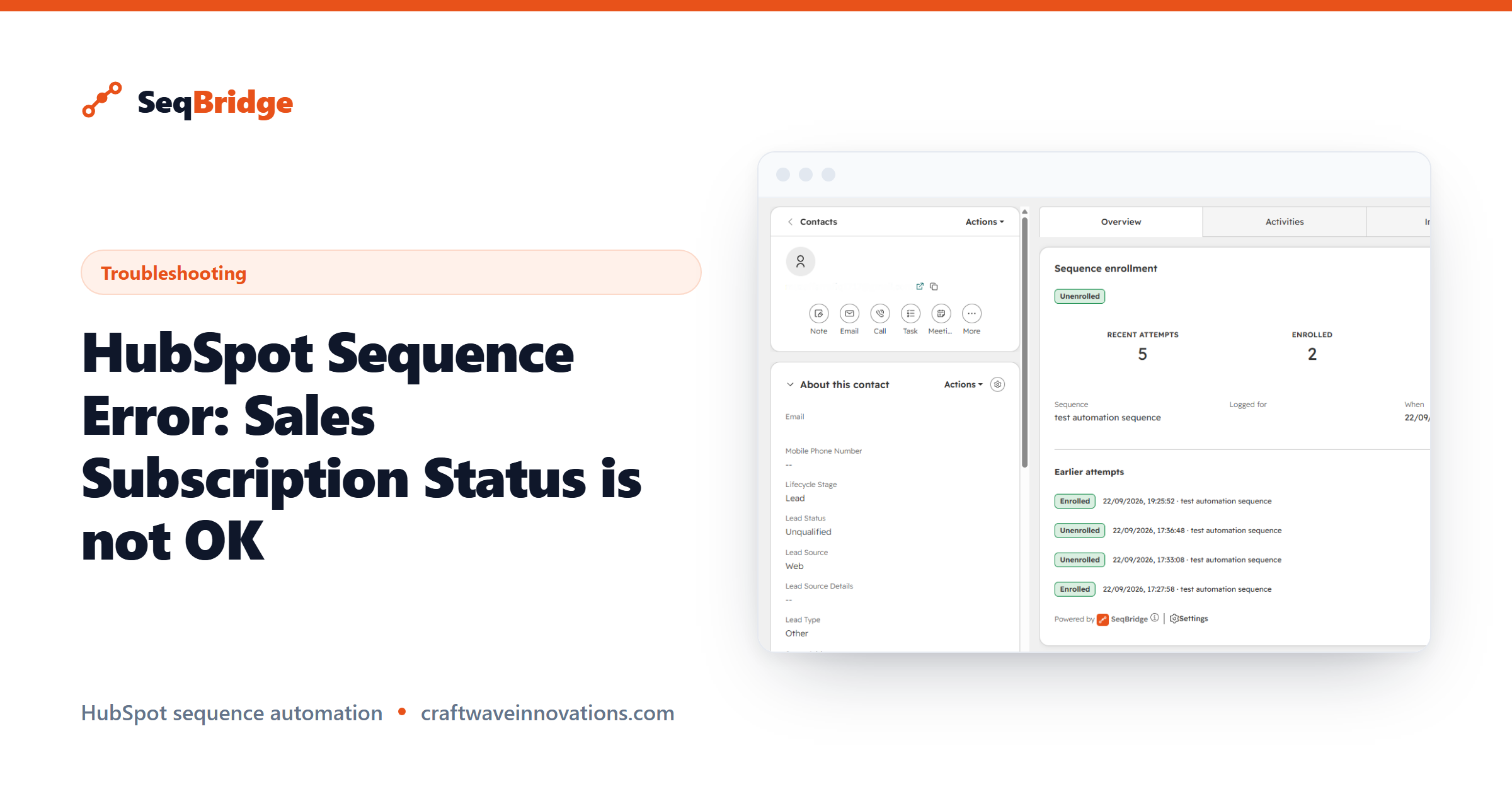
When a HubSpot workflow tries to enroll a contact into a sequence and fails with Sales Subscription Status is not OK, the problem is almost always the sending user — not the sequence and not the workflow. It is the most common first-run failure, and nothing in HubSpot's interface warns you about it beforehand. This guide explains exactly what the error means and how to fix it in two checks.
A HubSpot sequence is 1:1 sales outreach that sends from a user's own connected mailbox. Because it sends as a real person, HubSpot only lets a sequence run for a user who is fully set up to send. When that user is not set up, the enrollment stops and reports this error instead of sending.
What Sales Subscription Status is not OK actually means
The error means the user the action is set to send as is missing one of the two things HubSpot requires to send a sequence. It is not a bug in your workflow and not a SeqBridge limit — HubSpot is refusing to send on behalf of a user who cannot send. Fix the user, and the same workflow enrolls the next contact without any change to the sequence.
The two things the sending user needs
A sequence only sends for a user who has both of these:
- A paid Sales Hub or Service Hub seat — Professional or Enterprise. Sequences are not included on Starter or free seats. Check it in HubSpot settings under Users & Teams, on that user's Seats.
- A connected email inbox on that same user, because the sequence sends through their real mailbox. Check it in HubSpot settings under the user's Email, then Connect a personal email.
A user missing either one still appears in the Sender dropdown, and the workflow looks correctly configured. The failure only shows when the first contact reaches the action.
How to fix it, step by step
- Open the failing workflow action and note the user it is set to send as.
- In HubSpot settings, confirm that user has a paid Sales Hub or Service Hub seat.
- Confirm the same user has a connected personal inbox.
- Add whichever is missing, then let the workflow re-run — the next contact enrolls.
If you send as the contact's owner rather than one fixed user, the same rule applies to each owner individually. A contact owned by someone without a seat or an inbox fails, while contacts owned by set-up users succeed. If your team is a mix, sending as one specific, fully set-up user is the more predictable choice.
Why HubSpot let you pick a user who can't send
The Sender dropdown lists every user in your portal. HubSpot does not expose which users can actually send, so the list cannot be filtered to valid senders only. That is why a misconfigured user is selectable, and why the workflow appears fine right up until an enrollment is attempted.
Where to see the failure reason
Three places tell you why an enrollment failed:
- The workflow history shows the failure reason on the action step.
- The Sequence enrollment card on the contact record lists that contact's recent attempts, each with its status and reason.
- The Usage history on the SeqBridge settings page inside HubSpot shows the full log across every contact, searchable and filterable by date.
This failure is about the sender, so once that user has a seat and a connected inbox, automated enrollment works on Sales Hub Professional as well — SeqBridge adds the workflow enrollment action that HubSpot otherwise reserves for Enterprise. For how the tiers differ, see Professional vs Enterprise, and the current limits on the pricing page. HubSpot's own requirements for sequences are in its sequences documentation.